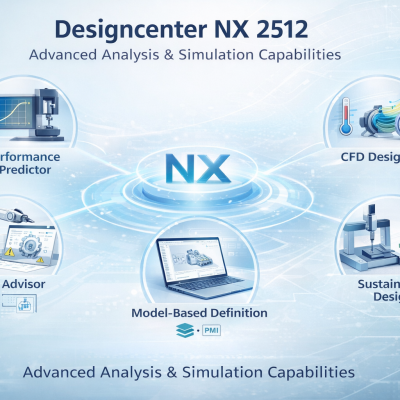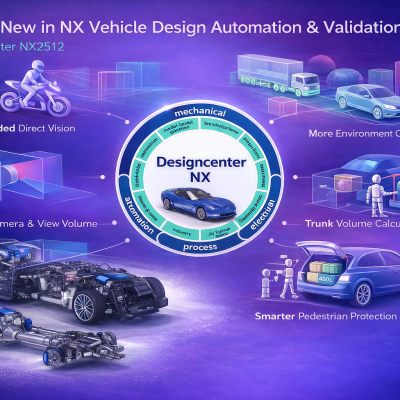

In today’s competitive manufacturing environment, companies must accelerate product development while maintaining high levels of quality and innovation. Siemens NX provides a powerful and integrated CAD/CAM/CAE platform that enables engineering teams to design, simulate, and manufacture products within a single environment.
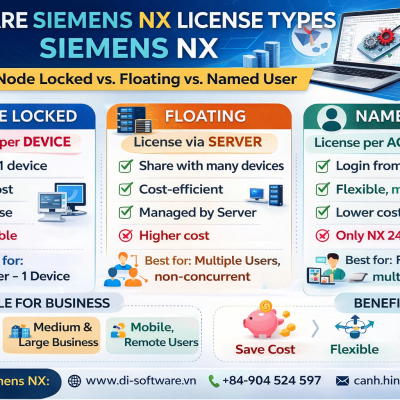
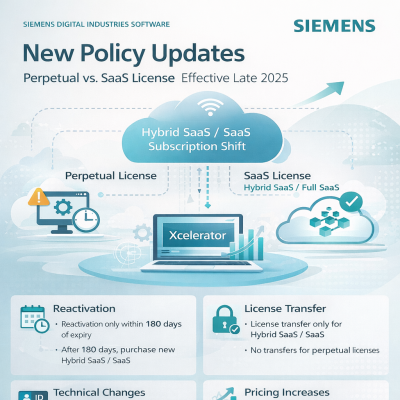
To support different deployment strategies and business needs, Siemens currently offers two main delivery models for NX design solutions:
Each model includes several NX Design packages that provide different levels of functionality depending on the complexity of design tasks and industry requirements.
Siemens NX provides multiple design packages that allow companies to select the appropriate level of capability for their engineering workflows.
The Hybrid SaaS model allows organizations to run NX locally while benefiting from modern subscription licensing.
Common NX Hybrid SaaS packages include:
These packages are typically chosen by organizations that require local control over software installation and IT infrastructure.
NX X is the SaaS-based version of Siemens NX, designed for faster deployment, simplified license management, and scalable cloud access.
NX X design packages include:
One of the major advantages of NX X is its token-based licensing model, which allows users to activate additional capabilities when needed without purchasing permanent modules.
All NX Design packages provide a robust set of core CAD tools for mechanical design and product development.
NX offers advanced modeling technologies such as:
These tools allow engineers to create accurate 3D models, quickly modify designs, and efficiently manage design changes throughout the product development process.
.png)
NX includes powerful tools for both conceptual and detailed design documentation:
NX Sketch
NX Drafting
.png)
Surface modeling capabilities in NX are particularly valuable for industries that require complex product shapes and aesthetic design.
Key modules include:
These capabilities are widely used in industries such as:
Packages such as NX Design Premium and NX Design for Industrial Design provide the most advanced surface modeling tools.
.png)
NX includes a comprehensive sheet metal design environment that helps manufacturers design and produce sheet metal components efficiently.
Key features include:
These tools enable engineers to design sheet metal parts, automatically generate flat patterns, and optimize material utilization during manufacturing.
In NX X SaaS, some advanced capabilities can be activated using token licensing.
.png)
NX supports the design and management of complex product assemblies through several advanced tools:
These features help engineering teams:
.png)
NX also provides tools for working with 3D scan data and reverse engineering workflows.
Key capabilities include:
These tools enable engineers to convert mesh data into editable CAD models and analyze geometric deviations between scanned data and CAD designs.
.png)
.png)
NX offers specialized solutions for mold and tooling design across different manufacturing industries.
Key modules include:
These tools help automate mold design processes and improve efficiency in injection mold development.
.png)
.png)
.png)
The Progressive Die Wizard supports the design of progressive stamping tools and provides capabilities such as:
This solution is widely used in automotive and sheet metal manufacturing industries.
.png)
.png)
.png)
.png)
NX supports a wide range of CAD file formats for interoperability with other design systems.
Common supported formats include:
Advanced translators are also available for systems such as:
Some of these translators require additional modules or tokens in NX X.
.png)
Selecting the right NX package depends on the complexity of design tasks and the industry in which the organization operates.
Best suited for:
Ideal for:
Recommended for:
Specialized packages include:
Siemens NX provides a flexible ecosystem of design packages that support different engineering needs and industries. By offering both NX Hybrid SaaS and NX X SaaS, Siemens enables companies to choose the deployment model that best fits their IT infrastructure and digital transformation strategy.
With powerful CAD capabilities, advanced design tools, and scalable licensing models, NX helps organizations:
As manufacturers continue their digital transformation journey, Siemens NX remains one of the most comprehensive and scalable engineering platforms available today.