Siemens NX License Types: Node Locked, Floating, and Named User – Which One Should You Choose?
08/03/2026 11:22
1105
Siemens NX License Types: Node Locked, Floating, and Named User – Which One Should You Choose?
When implementing Siemens NX, one of the key factors organizations need to consider is the licensing model. Choosing the right license type not only affects software costs but also determines how flexibly engineers can access and use the system.
Currently, Siemens NX offers three main licensing models:
Node Locked License
Floating License
Named User License
Each license type is designed to support different usage scenarios and organizational needs.
Node Locked License – Fixed to a Single Device
A Node Locked License is tied to a specific computer or workstation. The software can only run on the machine where the license is activated.
Key Characteristics
License assigned to a single device
Software can only be used on the licensed machine
Cannot be shared across multiple computers
Licensing Model
Previously, Siemens offered perpetual licenses, but starting from 2026, Siemens has transitioned fully to subscription-based licensing.
Advantages
Lower cost compared to Floating licenses
Compatible with all NX versions, both old and new
Simple deployment without license server
Limitations
Limited flexibility because it is bound to one machine
Some NX CAD or NX CAM modules are only available with Floating licenses
Best Suited For
Individual engineers working on a dedicated workstation
Small companies with limited NX users
Floating License – Shared Through a License Server
A Floating License is managed through a central license server, allowing multiple users to access NX from different machines. However, the number of simultaneous users cannot exceed the number of purchased licenses.
Key Characteristics
License hosted on a license server
Users can access NX from multiple machines
Licenses are dynamically allocated when users start the software
Licensing Model
Floating licenses are now mainly available through annual subscription plans.
Advantages
Flexible access across multiple computers
Optimizes license usage within engineering teams
Compatible with all NX versions
Limitations
Higher licensing cost compared to Node Locked
Requires setup and management of a license server
Best Suited For
Engineering teams with multiple NX users
Organizations where users do not use the software simultaneously
Named User License – License Assigned to a User Account
The Named User License is a modern licensing model primarily used with NX X SaaS solutions.
Instead of being tied to a machine or server, the license is assigned to a specific user account (email and password).
Key Characteristics
License assigned to a specific user
Users can log in from multiple devices
Internet connection required for license authentication
Advantages
High flexibility for users working across multiple devices
No license server required
Lower subscription cost compared to traditional license types
Limitations
Supported only for NX versions from NX2412 (December 2024) onward
License reassignment requires a 30-day waiting period
Offline usage limited to 24 hours before re-login is required
Best Suited For
Engineers who need to work on both desktop and laptop devices
Remote workers or engineers who travel frequently
Quick Comparison of Siemens NX License Types
How to Choose the Right NX License for Your Business
Selecting the right license depends on how your organization uses Siemens NX.
Node Locked License
Best for small teams or individual users working on a fixed workstation.
Floating License
Ideal for engineering departments where multiple users share NX licenses but do not need simultaneous access.
Named User License
Best suited for flexible work environments, remote engineers, and organizations adopting cloud-based workflows.
Conclusion
Siemens NX provides multiple licensing models to support different engineering workflows and business requirements. Choosing the right license type helps organizations:
Optimize software investment
Improve license utilization
Support scalable engineering operations
By evaluating the number of users, working patterns, and IT infrastructure, companies can select the most suitable Siemens NX licensing model for their digital engineering strategy.
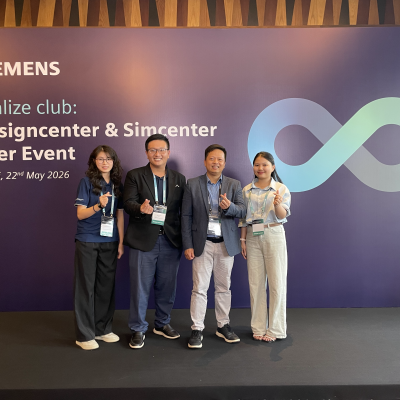
On May 22, 2026, the Realize Club: Designcenter & Simcenter User Event 2026, hosted by Siemens Digital Industries Software, took place at InterContinental Hanoi Westlake Hotel in Hanoi, Vietnam.
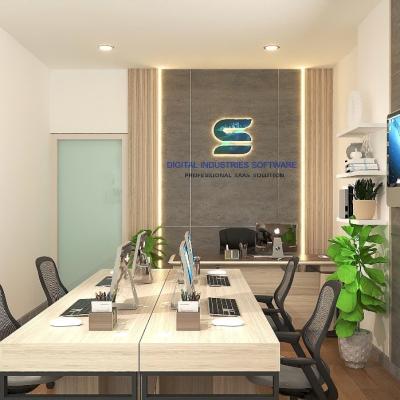
Digital Industries Software (DI Software) has officially relocated to its new office, marking an important milestone in its development journey and reaffirming its long-term commitment to supporting manufacturing businesses in Vietnam.
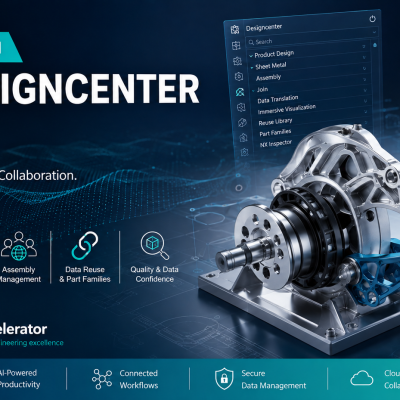
The Designcenter NX 2606 release continues to reinforce its direction as a comprehensive and flexible engineering design platform capable of supporting the entire product development process.
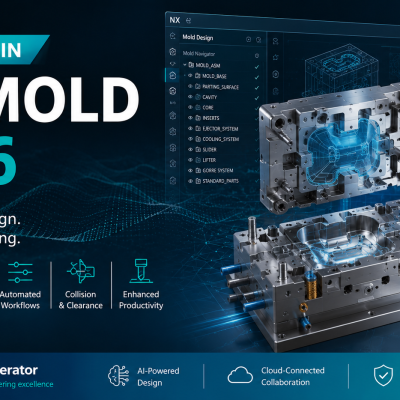
The Designcenter 2606 Mold Wizard release introduces several important enhancements aimed at improving parameter control, streamlining the mold design workflow, and increasing production readiness.



.png)
.png)